

App Store Mockups vs Store-Ready Screenshots: What Designers Should Know
App mockups and app store screenshots often look similar, but they are not the same thing.
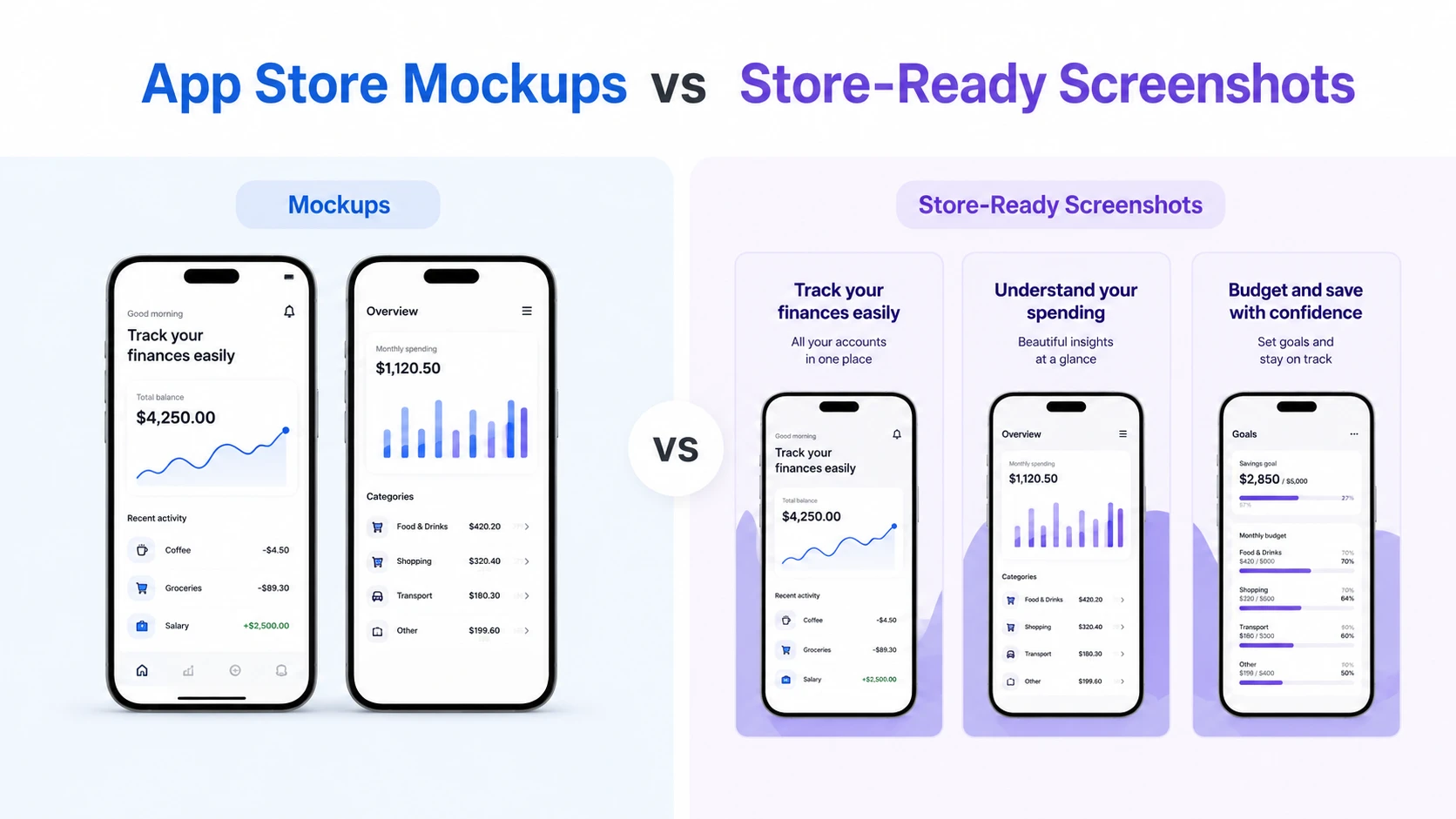
A mockup is usually created to present an interface, show a concept, or communicate a design direction. A store-ready screenshot has a different job. It needs to help someone understand the app quickly and decide whether it is worth installing.
For designers, this difference matters. A beautiful app mockup may look great in a portfolio, landing page, or pitch deck, but it may not work as well inside the App Store or Google Play.
Mockups show the interface
Mockups are useful during design and product development. They help teams explore layouts, test visual ideas, present concepts, and show stakeholders what the app could look like.
A good mockup focuses on the interface itself. It may show screens in a device frame, use realistic UI details, or present a feature in context.
But app stores are more competitive than a design review. Users are scrolling quickly, comparing options, and making decisions in seconds. The screenshot needs to do more than show a screen. It needs to explain the value of that screen.
Store-ready screenshots explain the value
A store-ready screenshot usually combines real app UI with supporting design elements. This can include captions, device frames, branded backgrounds, visual hierarchy, localized text, and the right export sizes for each platform.
Instead of simply showing a dashboard, a screenshot might say:
“Track your progress in one place”
Instead of showing a notification screen, it might say:
“Get reminders before important tasks are missed”
The interface still matters, but the caption helps users understand why the feature is useful.
This is where screenshot design becomes different from general mockup design. The goal is not only to make the screen look polished. The goal is to communicate the app’s benefit quickly.
Designers need to think beyond one image
One of the biggest challenges with app store screenshots is production. A single design often needs to work across many formats, devices, and languages.
Designers may need to prepare:
- App Store screenshots
- Google Play screenshots
- Tablet screenshots
- Feature graphics
- Localized screenshot sets
- ASO test variants
- Updated screenshots after UI changes
This can turn a small design task into a large production workflow. For example, 10 screenshots across several device sizes and multiple languages can quickly become hundreds of exported files.
That is why designers should avoid treating store screenshots as one-off images. They should be designed as reusable systems.
A better workflow for app screenshot design
A strong screenshot workflow starts with real app screens. From there, designers can add structure around the product:
- Choose the screens that explain the app fastest
- Add clear, benefit-led captions
- Use consistent device frames and styling
- Adapt the design for App Store and Google Play formats
- Localize captions and examples for key markets
- Create variants for ASO tests and future updates
- Keep the project editable for later releases
This approach keeps the screenshots accurate while making them more persuasive.
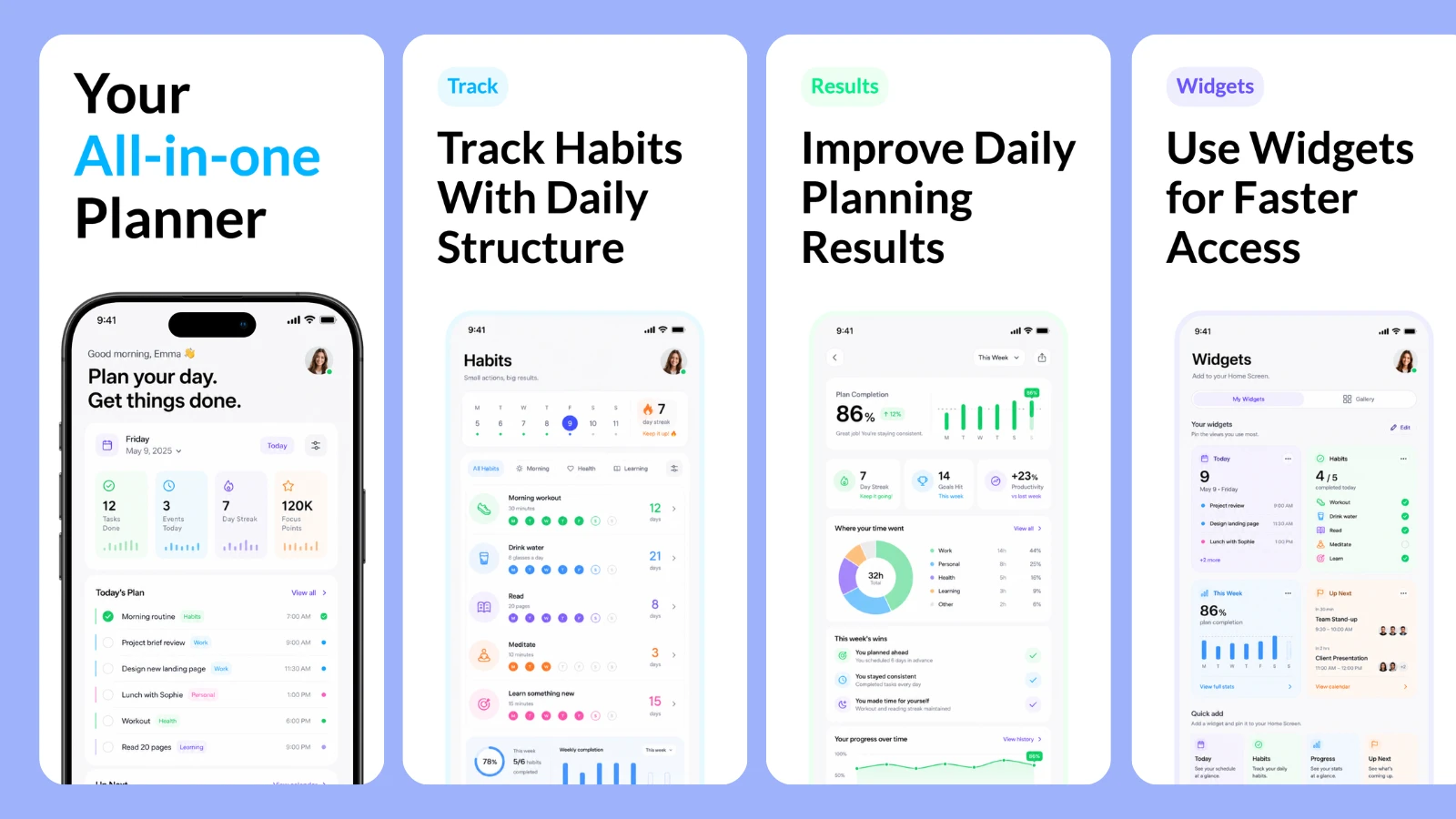
AppScreens is built around this kind of workflow, helping app teams turn real app screens into polished, localized App Store and Google Play screenshots from one editable project, with templates, AI-assisted captions, device frames, brand styling, 80+ localizations, ASO variants, and store-ready exports.
For teams focused on Apple listings, a purpose-built App Store screenshot generator can help designers move from raw app screens to upload-ready screenshot sets without rebuilding every size or language manually.
Keep future updates in mind
Store visuals are rarely finished forever. Once an app evolves, screenshot sets often need updates too. A new feature, UI refresh, localization change, or ASO test can quickly turn a finished design into another round of production work.
That is where AppScreens can be useful beyond the first release. Because projects stay editable, designers can update real app screens, refresh captions, localize new versions, and export updated screenshot sets without starting from scratch each time.
Final thoughts
App mockups are great for presenting product ideas. Store-ready screenshots are built for a different purpose: helping users understand the app and feel confident enough to install it.
Designers who understand this difference can create screenshots that are not only polished, but also clearer, more useful, and easier to update.
The best app store screenshots still start with real app UI. The design work comes from turning those screens into a clear story that users can understand at a glance.

